Creating an llms.txt file should be an efficient editorial workflow, not a multi-month engineering project. The goal is to provide language models and AI search agents with a compact, structured map of the pages they should read first.
As generative AI platforms (such as ChatGPT Search, Perplexity, Claude, and Google AI Overviews) become the primary discovery channel for technical products, online stores, and research publications, traditional search engine optimization is no longer sufficient on its own. While meta descriptions and schema tags help web browsers and Googlebot index pages, autonomous AI models need high-density Markdown text that explains what each page covers and who it is for.
In this practical guide, we will walk through the entire process of creating, validating, and deploying a compliant llms.txt file on your website using our free llms.txt generator and testing suite.
Step 1: Audit Your Sitemap and Select High-Signal URLs
Before generating your file, you must identify which pages belong in your AI index. A common mistake is attempting to include every single page on your website. That defeats the purpose of the standard: an llms.txt file prioritizes signal over noise.
Traditional XML sitemaps often contain thousands of URLs, including paginated archives, category tags, author profiles, search result filters, checkout flows, and seasonal marketing landing pages. Feeding these low-value pages to an AI assistant wastes context window space and dilutes the model’s understanding of your core business.
Focus your candidate list on pages that answer fundamental customer and developer questions:
- Core Company Identity: Homepage, About Us, Company Mission.
- Product & Pricing: Main product features, pricing tiers, comparison pages, enterprise offerings.
- Documentation & Guides: Getting-started tutorials, installation guides, API reference endpoints, architecture overviews.
- Support & Troubleshooting: Frequently asked questions, system requirements, troubleshooting articles.
- Legal & Trust: Security policies, privacy disclosures, compliance certifications.
Aim for a curated set of 20 to 80 URLs. If your site has fewer than 20 pages, you can comfortably include almost all of them.
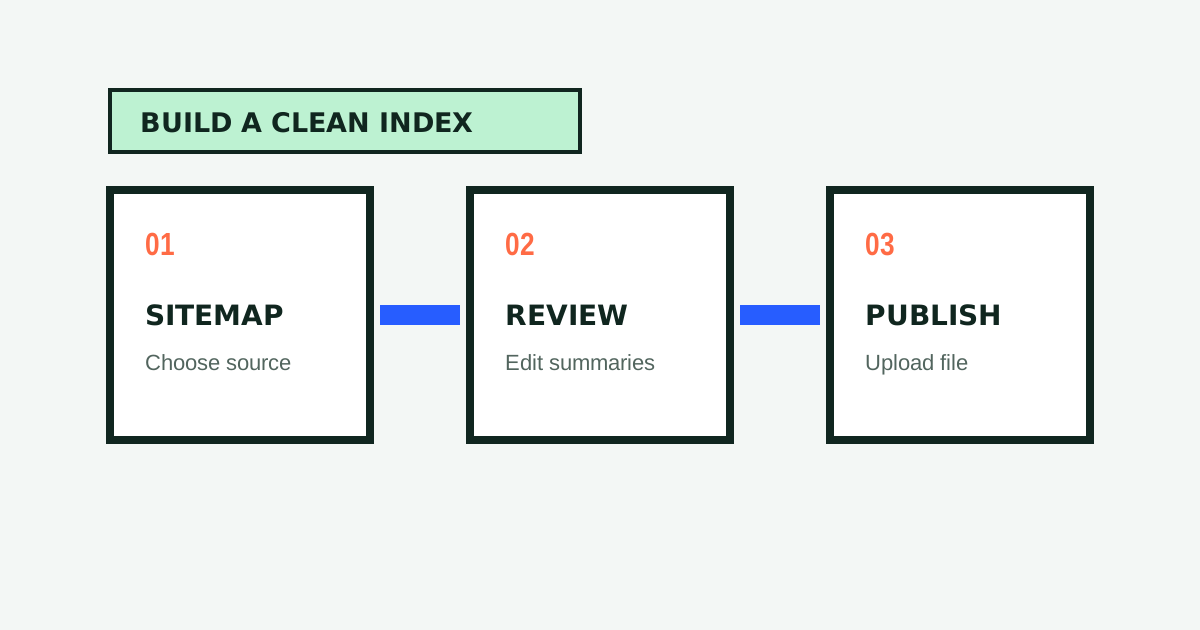
Step 2: Use the Free LLMs.txt Generator for Automated Extraction
Writing Markdown links and drafting summaries by hand for dozens of pages is tedious and prone to typos. You can accelerate this step by using our free llms.txt generator.
-
Choose Your Source Input:
You can provide your XML sitemap URL (e.g.https://yourdomain.com/sitemap.xml), enter your homepage address to let our crawler follow internal links, or paste a custom list of URLs directly. -
Automated Content Extraction:
Our edge pipeline fetches each page, strips boilerplate HTML (navigation bars, cookie consent modals, advertisements), and identifies semantic headings and body text. -
AI Page Summarization:
Our language model reads the actual page text and generates a factual, one-sentence description explaining the page’s core utility. -
Logical Grouping:
The generator automatically organizes your URLs into standard categories such as Core, Product, Documentation, and Company.
The output is presented inside an interactive in-browser Markdown editor where you retain complete editorial control.
Step 3: Refine Descriptions for Maximum AI Retrieval Signal
The quality of your link descriptions determines how effectively an AI search engine routes user queries to your site. A description is not a marketing slogan; it is an informational index label designed for neural network tokenizers.
A poor description is vague and repetitive:
<!-- Weak Descriptions -->
- [Documentation](https://example.com/docs): Read our docs.
- [Pricing](https://example.com/pricing): Best prices in the industry.
- [API](https://example.com/api): Click here for API details.
An effective description explicitly states what the page contains and who benefits from reading it:
<!-- Strong Descriptions -->
- [Developer Quickstart](https://example.com/docs): Five-minute installation guide for Node.js, Python, and Docker environments.
- [Pricing and Quotas](https://example.com/pricing): Free tier feature limits, pro plan seat pricing, and enterprise volume discounts.
- [REST API Reference](https://example.com/api): Authentication endpoints, rate limits, and JSON response schemas for webhook events.
Tips for Writing High-Converting Descriptions:
- State specific frameworks, languages, or tools mentioned on the page (e.g., “Next.js”, “Shopify”, “PostgreSQL”).
- Include key differentiators (e.g., “cookieless analytics”, “SOC2 Type II certified”).
- Keep descriptions under 160 characters so they remain readable in scannable lists.
- Avoid promotional superlatives (“world-class”, “revolutionary”) that provide zero factual context.
Step 4: Validate Structure with the LLMs.txt Validator
Before publishing your file to a live web server, test it for structural and syntactic errors. Malformed Markdown can prevent AI crawlers from parsing your file properly.
Paste your generated file into our llms.txt validator. The validator audits your document across three key criteria:
-
Structural Compliance (35%):
Confirms that your file contains exactly one H1 header, followed by a blockquote summary, valid H2 category headers, and standard Markdown bullet lists. -
Content & Descriptive Quality (35%):
Verifies that every link includes a descriptive summary preceded by a colon. Flags vague descriptions and missing summaries. -
Link Health and HTTPS Accessibility (30%):
Checks that all links use absolute HTTPS URLs (e.g.https://example.com/docsrather than/docs) and ensures that destination pages return live HTTP 200 OK status codes.
Review your AI Readiness Score and apply any recommended fixes directly in the editor until your file earns a score of 90 or higher.
Step 5: Deploy the File to Your Site Root
Once your file is finalized, download it as llms.txt. The specification requires that the file be served from the root of your domain: https://yourdomain.com/llms.txt.
Here are step-by-step instructions for common web hosting environments:
WordPress (Shared Hosting or VPS)
- Method A (SFTP / cPanel): Log in to your hosting control panel or connect via SFTP. Navigate to your root web directory (usually
/public_html/or/www/) and uploadllms.txtdirectly alongsidewp-config.php. - Method B (Nginx / Apache Rewrite): If you cannot access the root filesystem, upload the file to your WordPress Media Library and add a redirect rule in your
.htaccessfile:RewriteEngine On RewriteRule ^llms\.txt$ /wp-content/uploads/llms.txt [L]
Shopify
Shopify does not allow direct file uploads to the server root, but you can serve the file using URL redirects:
- In Shopify Admin, navigate to Settings → Files and upload your
llms.txtfile. - Copy the resulting CDN URL generated by Shopify.
- Go to Online Store → Navigation → View URL Redirects.
- Create a redirect from
/llms.txtto your uploaded CDN URL.
Next.js (App Router or Pages Router)
Place the llms.txt file directly inside the public/ directory at the root of your Next.js project:
my-nextjs-app/
├── public/
│   ├── favicon.ico
│   ├── robots.txt
│   └── llms.txt
├── src/
└── package.json
Next.js automatically maps any static file placed in /public/ directly to the root URL during production builds.
Cloudflare Pages & Astro
For static site generators like Astro, Hugo, or Cloudflare Pages:
- Place
llms.txtinside thepublic/directory of your project repository. - Commit and push your changes to GitHub or GitLab.
- Cloudflare Pages will automatically deploy the file to
https://yourdomain.com/llms.txt.
Verification Terminal Command
To verify that your live file is served with correct headers and status codes, run this command in your terminal:
curl -I https://yourdomain.com/llms.txtYou should see a HTTP/2 200 status code with content-type: text/plain or text/markdown.
Step 6: Test AI Ingestion in Real Time
After publishing your file, test how major AI models interpret it:
-
ChatGPT & Claude Testing:
Open ChatGPT or Claude and enter this prompt:
“Please read https://yourdomain.com/llms.txt and summarize the core capabilities and documentation guides available on this website.”
Observe whether the model correctly identifies your key products and documentation sections. -
Perplexity & Search Engines:
Search for specific technical terms or product features described in yourllms.txtfile on Perplexity to observe whether your site is cited as an authoritative source.
When Should You Also Create an LLMs-Full.txt File?
If your website features extensive technical tutorials, open-source code libraries, or developer APIs, you should also consider publishing an llms-full.txt document.
While llms.txt provides an index of links, an llms-full.txt file consolidates the complete readable body text of your most critical pages into a single plain text file. This allows AI assistants in coding tools (like Cursor or Claude Projects) to ingest your entire documentation suite in a single step without making multiple HTTP requests.
You can create this companion file using our free llms-full.txt generator.
Maintenance: Keeping Your File Fresh
An llms.txt file is not a set-and-forget project. As your company releases new features, deprecates old APIs, or updates pricing tiers, your knowledge file must reflect those changes.
- Quarterly Link Audit: Test your live file using our validator every three months to catch broken URLs or redirect chains.
- Product Launch Updates: Whenever you publish a major new feature or documentation section, add it to the appropriate H2 category.
- Version Control: Store your
llms.txtfile in your Git repository alongside your application code so that updates are reviewed as part of your normal pull request process.
Conclusion
Creating an llms.txt file takes less than ten minutes, yet it provides an outsized advantage in ensuring that modern AI systems understand and accurately cite your business.
Start today: open our free llms.txt generator, scan your website, and publish your standard AI knowledge file in minutes.

Written by
Lucky Labs Editorial
The Lucky Labs Editorial team researches practical ways to make websites easier for people, search engines, and AI systems to understand.
Keep Reading
Related Guides
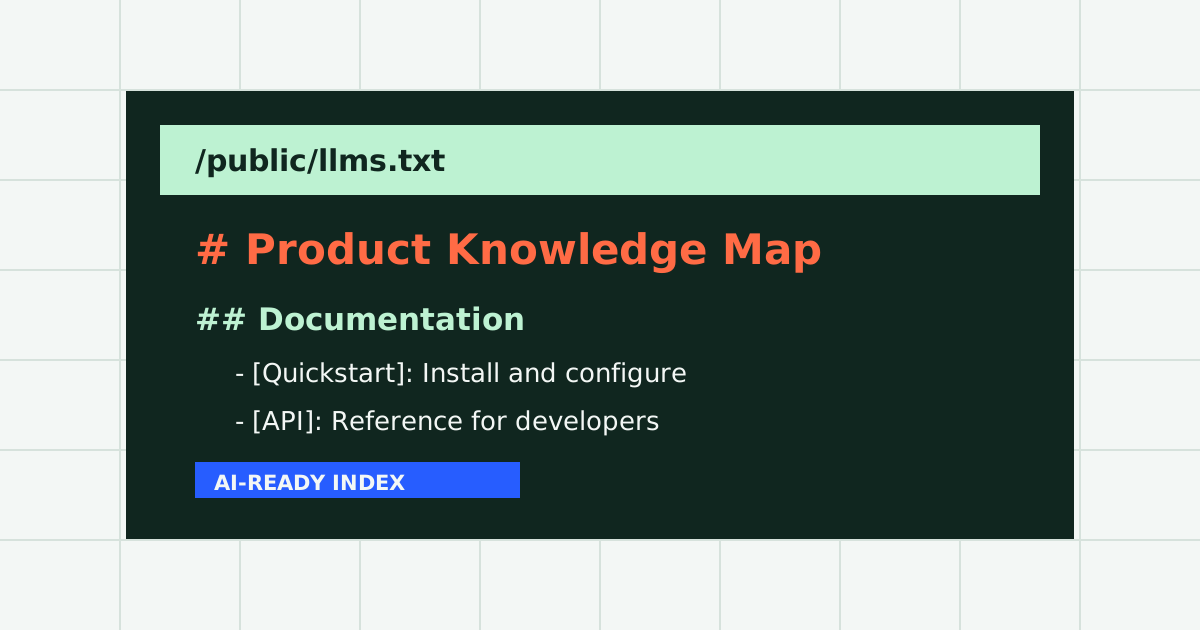
What Is llms.txt? Complete Specification Guide for 2026
Learn what llms.txt is, how the Markdown specification works, and how to use a free llms.txt generator to optimize your site for AI search engines.
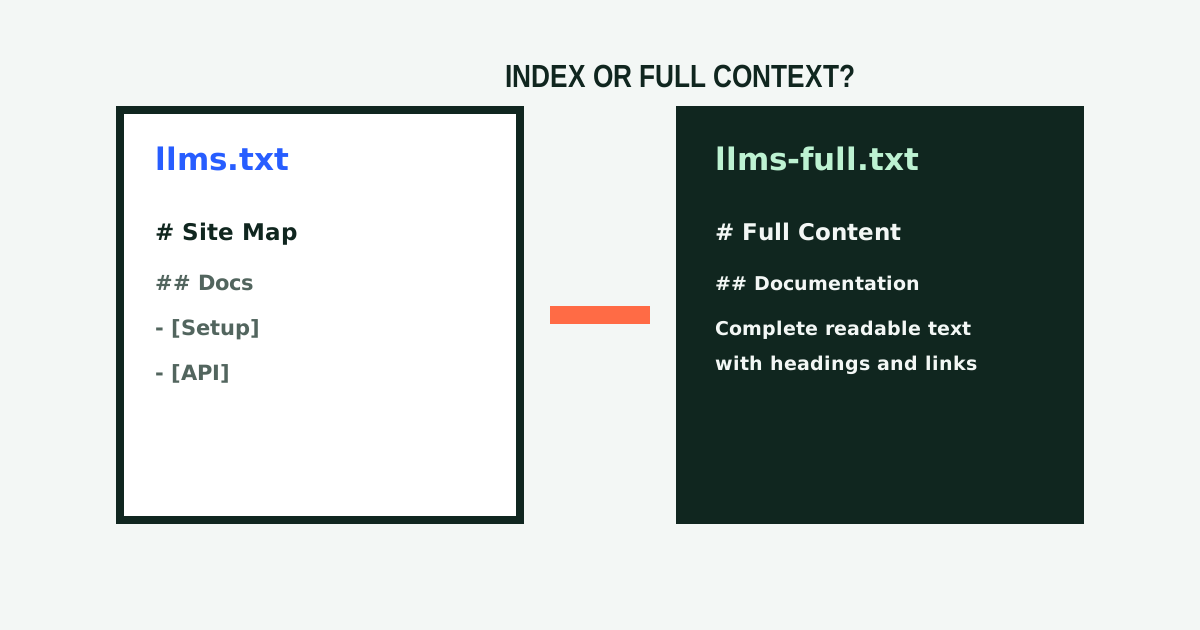
llms.txt vs. llms-full.txt: Architecture, Performance, & Use Cases
Detailed architectural comparison between llms.txt and llms-full.txt. Learn token economics, crawler handling, RAG workflows, and dual-file deployment strategies.